


Transfer of references from PubPsych
You can search references in PubPsych and transfer them to your own EndNote library.
How to:
- Search for current references in PubPsych
-
Add the references to your download list by clicking

-
Click
 to get an overview of the reference you have added to the list
 -
Then select

-
Click
 to select all information to be transferred
 -
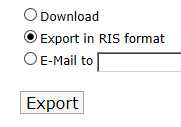
Then select «Export in RIS format» and press the «Export» button
-
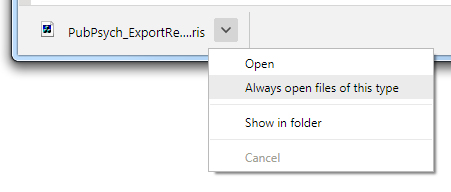
Depending on the browser’s setup, the reference will either be transferred directly or you will be asked what to do with the file.
Choose to open it.
-
We strongly recommend to always check that the information is in the correct field in the EndNote library